QA Milestones and Release Tracking with TestCaseLab

Keep Test Runs Aligned with Release Goals

Testing for a release rarely happens in a single Test Run. Teams may need separate runs for regression testing, environments, platforms, modules, or different groups of testers.

TestCaseLab Milestones allow you to bring related Test Runs together under one release goal or QA deadline. Track their combined progress, keep due dates consistent, and spot missed testing targets before they become release surprises.

From Separate Test Runs to One Release View

See how TestCaseLab helps QA teams group related Test Runs, keep their deadlines aligned, and monitor combined progress toward a shared release goal.

Group Related Test Runs into Milestones

Create a milestone for any time-bound testing goal, such as:

  • A product release.
  • A regression cycle.
  • A sprint testing window.
  • User acceptance testing.
  • A customer delivery.
  • A planned QA deadline.

Add a title, description, start date, and due date, then assign the Test Runs that belong to the milestone.

One milestone can contain multiple Test Runs, giving the team one place to understand the overall testing effort behind a release or delivery.

Create Milestone dialog grouping four Test Runs under Release 2.4.

Keep Testing Deadlines Consistent

When a milestone has a due date, its assigned Test Runs inherit the same deadline.

The inherited date is displayed directly on each Test Run, together with the milestone that provided it. This prevents different Test Runs belonging to the same testing goal from carrying inconsistent deadlines.

Test Runs that are not part of a milestone can still have their own manual due dates. This keeps the workflow flexible for smaller or independent testing activities.

Four Test Runs with different statuses sharing the same due date.

Track Progress Across Multiple Test Runs

The Milestones list gives QA leads a high-level view of testing progress across planned releases and deadlines.

Review:

  • Milestone title and status.
  • Start and due dates.
  • Number of related Test Runs.
  • Test Run status summary.
  • Overall completion progress.

Use filters to focus on relevant milestones, date ranges, statuses, or Test Runs that have missed their deadlines.

Instead of opening every Test Run separately, teams can review the current state of a testing goal from one place.

Milestones list showing dates, statuses, progress, and Test Run counts.

Stay in Control as Release Plans Change

As release timelines evolve, TestCaseLab helps teams spot missed deadlines and adjust milestone structure without losing visibility into release progress.

Unfinished Smoke Test with an overdue date highlighted in red.

Identify Missed Testing Deadlines

A Test Run is marked as missed when its due date has passed and the run has not been completed.

Missed deadlines are highlighted in the Test Runs list and on the Test Run details page. When the deadline comes from a milestone, the milestone is displayed as its source.

This visibility helps QA leads identify delays early, follow up with the right people, and communicate release risks with clearer context.

Keep Milestone Management Flexible

Milestones are optional. Teams can continue working with standalone Test Runs when a shared release structure is not needed.

Project Administrators can:

  • Update milestone details.
  • Add or remove Test Runs.
  • Archive completed or outdated milestones.
  • Restore archived milestones.
  • Delete milestones when they are no longer required.

Milestones are managed within an individual project, keeping release tracking relevant to that project’s own QA workflow.

Completed milestone with Edit, Archive, and Delete options.

What Are Milestones in Software Testing?

A QA milestone is a defined testing goal connected to a release, deadline, sprint, or other important stage of product delivery.

Unlike an individual Test Run, a milestone can represent the wider testing effort required for a release. It may group several runs covering different environments, platforms, test types, or product areas.

QA milestone tracking helps teams understand whether all planned testing activities are moving toward the same deadline. It also gives QA leads a clearer view of release readiness and makes delayed Test Runs easier to identify.

In TestCaseLab, milestones connect Test Runs through shared dates, progress tracking, and deadline visibility without forcing every Test Run into the same structure.

Why Use QA Milestones in TestCaseLab?

Release-Level Visibility

Review the combined progress of several Test Runs connected to one release goal.

Shared Deadlines

Keep related Test Runs aligned around the same testing window.

Earlier Risk Detection

Spot missed or incomplete testing activities before the planned delivery date.

Flexible Test Organization

Use milestones only when the testing workflow needs them.

Clearer Stakeholder Updates

Provide a more understandable release progress view without reviewing every Test Run separately.

Turn Separate Test Runs into a Clear Release Plan

Organize Test Runs around shared goals, follow progress, and keep QA deadlines visible from planning through completion.

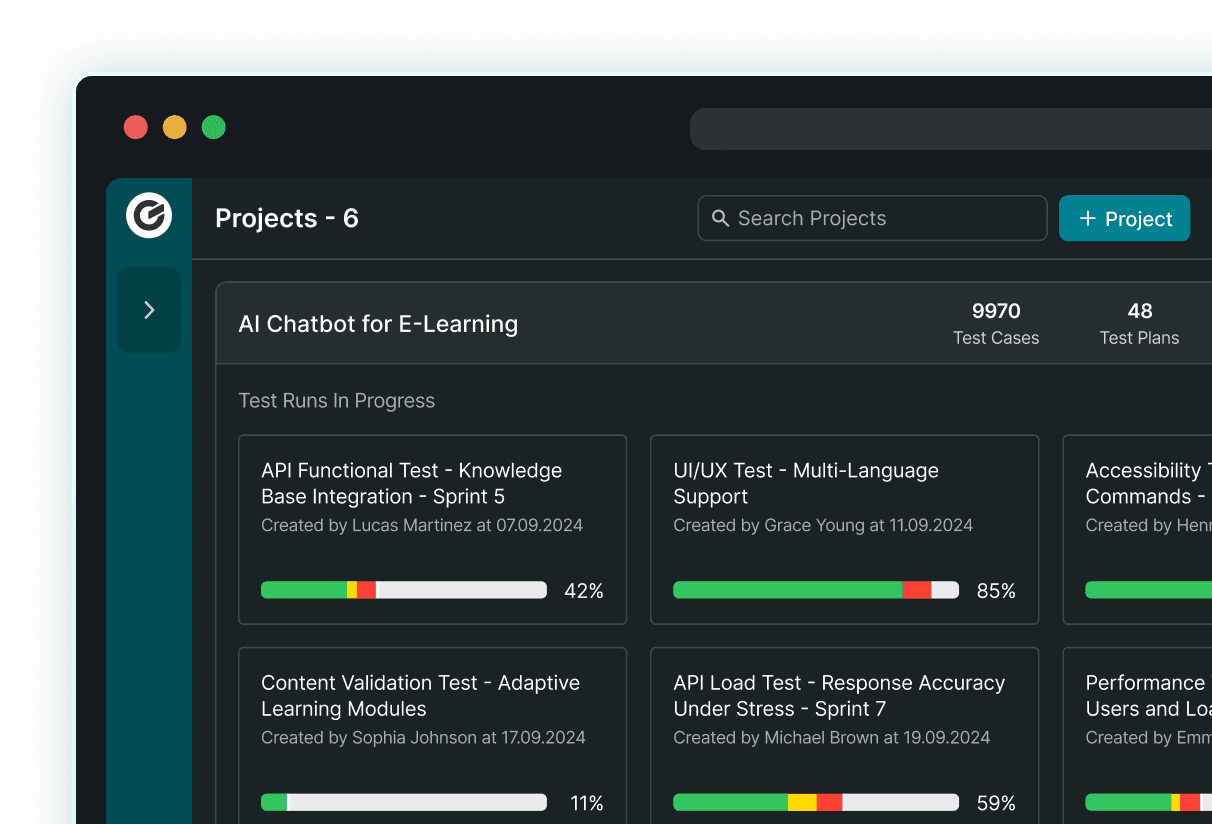
Dark TestCaseLab Projects dashboard showing project counts and test run progress.