Requirements Management and Traceability with TestCaseLab

Connect Product Requirements to Real Test Coverage

Product requirements should not live separately from the testing work used to validate them. TestCaseLab helps QA teams create, organize, and manage requirements directly inside their testing projects.

Connect requirements with related Test Cases, follow execution outcomes, and see whether important product functionality has sufficient test coverage — without switching between disconnected documents and tools.

From Product Scope to Test Evidence

See how TestCaseLab helps teams organize requirements, connect them to the Test Cases that verify them, and follow results and defects in one traceable QA workflow.

Organize Requirements in One QA Workspace

Create a structured requirements repository for every project and keep product scope easy to understand.

With TestCaseLab, your team can:

  • Organize requirements into nested categories.
  • Use different requirement types, including Epics, Features, User Stories, Use Cases, Functional Requirements, Non-Functional Requirements, and Business Requirements.
  • Add descriptions, statuses, tags, assignees, and attachments.
  • Search, sort, and filter requirements as the project grows.

A flexible category structure helps teams organize requirements by product module, release, customer workflow, or any other structure that matches the project.

Requirements list with Epic, Feature, and User Story types and the requirement type menu.

Build Traceability from Requirements to Test Cases

Link each requirement with the Test Cases created to verify it. The relationship is available from both sides, allowing testers to move easily between product scope and test coverage.

Requirement-to-Test Case links help your team:

  • Understand which tests cover a particular requirement.
  • Identify requirements that do not yet have related Test Cases.
  • Review coverage before a release or regression cycle.
  • Keep test design connected to the original business need.

Instead of maintaining a separate requirements traceability spreadsheet, your team can manage these relationships within the same QA workflow.

Password reset requirement linked to four Test Cases.

Connect Requirements with Test Results and Defects

Traceability should continue after Test Cases are created.

The Defects section of a requirement shows issues connected to results from its related Test Cases. Your team can review information such as the latest testing date, Test Run, result status, defect count, and external defect link.

This makes it easier to answer practical release questions:

  • Has this requirement been tested?
  • Did any related Test Cases fail?
  • Are there known defects affecting this functionality?
  • Which Test Run produced the latest result?

TestCaseLab connects product scope with the evidence produced during test execution.

Requirement Defects tab with Test Runs, result statuses, and issue links.

Keep Requirements Manageable and Changes Traceable

As your requirements repository grows, TestCaseLab helps your team work efficiently while preserving a clear record of how requirements and their test coverage evolve over time.

Two selected requirements with bulk edit, assign, status, duplicate, and delete actions.

Manage Large Requirement Sets Efficiently

As the project grows, use built-in management tools to keep the requirements repository usable.

Search and filter requirements by:

  • Category
  • Status
  • Type
  • Assignee
  • Tags
  • Whether the requirement has linked Test Cases

Bulk actions allow teams to update, assign, duplicate, or remove multiple requirements without editing each item separately.

Requirements can also be imported from CSV or exported when information needs to be reviewed, shared, or archived outside TestCaseLab.

Keep a Clear History of Requirement Changes

The Audit Log records meaningful changes made to a requirement, including field updates, status changes, attachments, tags, and Test Case relationships.

This history gives QA leads and project stakeholders better visibility into how requirements and their test coverage evolve over time.

Requirement Audit Log recording changes to requirement type and status.

What Is Requirements Management in Software Testing?

Requirements management is the process of documenting, organizing, reviewing, and tracking the functionality and business rules a software product must satisfy.

For QA teams, requirements management also includes connecting each requirement with the Test Cases used to verify it. This relationship is known as requirements traceability.

Clear traceability helps teams understand whether the defined product scope has been tested and whether any requirements remain without sufficient coverage. It also makes it easier to investigate failures because testers can move from a requirement to its related tests, execution results, and defects.

By keeping requirements and testing activities connected, TestCaseLab reduces the need for separate spreadsheets and makes release coverage easier to review.

Why Choose TestCaseLab for Requirements Management?

Requirements and Testing in One Place

Manage product scope and the testing work used to validate it within the same project.

Clear Test Coverage

See which requirements are connected to Test Cases and find coverage gaps more easily.

Execution and Defect Visibility

Follow test results and known defects related to each requirement.

Flexible Organization

Use categories, types, statuses, tags, and assignees to match your workflow.

Built-In Change History

Review important updates without maintaining a separate manual log.

Connect Every Requirement with the Testing Work Behind It

Bring product scope, Test Cases, execution results, and defects together in one structured QA workspace.

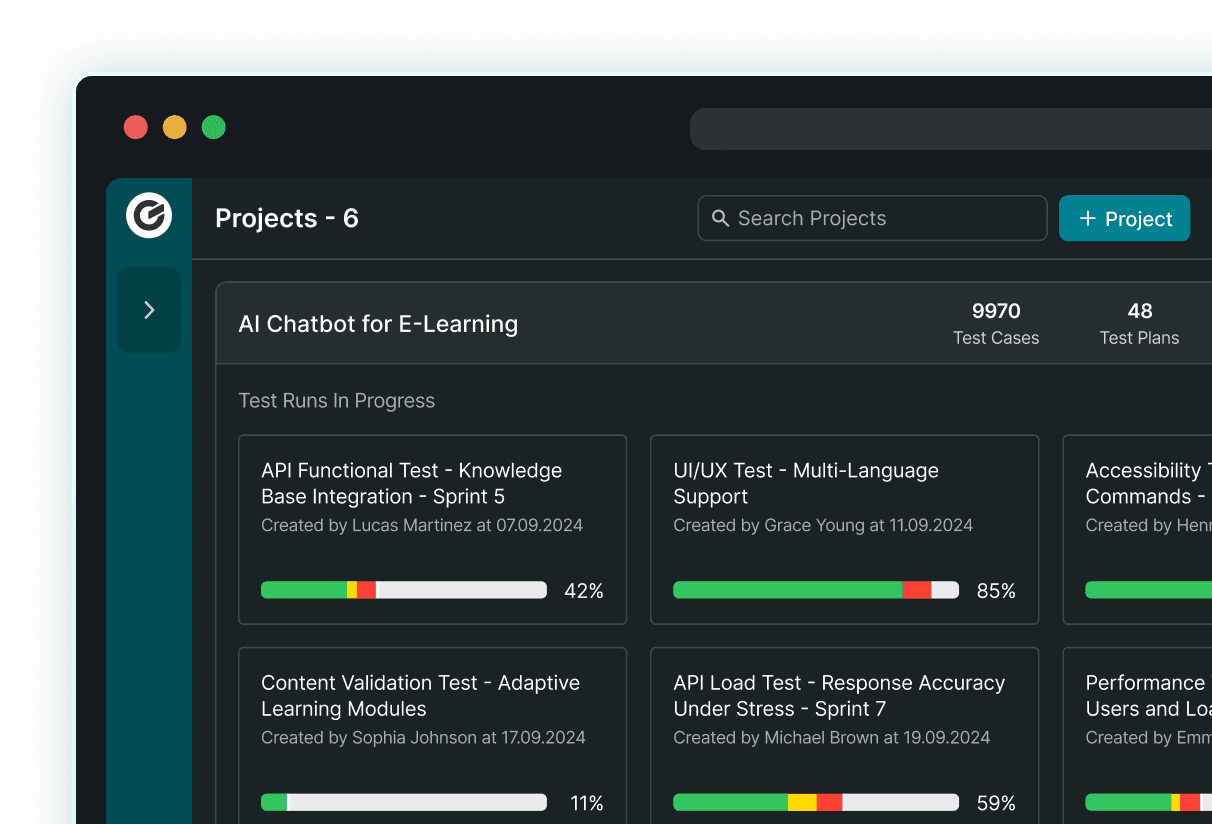
Dark TestCaseLab Projects dashboard showing project counts and test run progress.